Transaction Log by Resource

The Transaction Log by Resource records the work carried out by the Resource(s) in your simulation. It can give you information on which Resource has worked on which Work Item and at which simulation object.
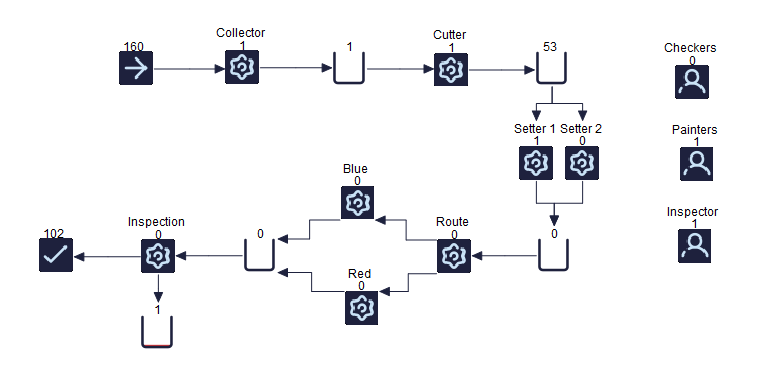
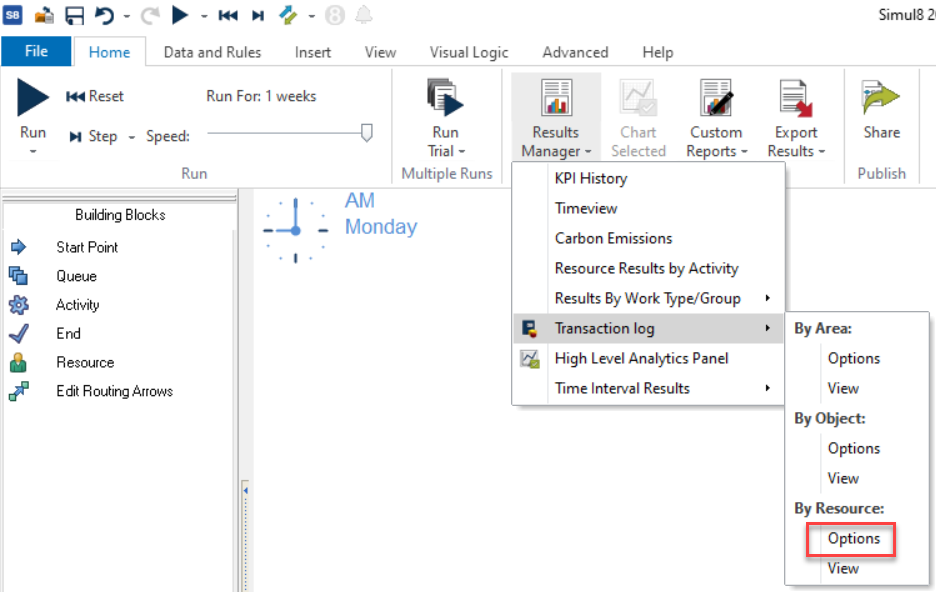
The Resource Log is accessed through the Results Manager drop-down button on the Home tab.
Setting Up the Transaction Log by Resource
Log Type
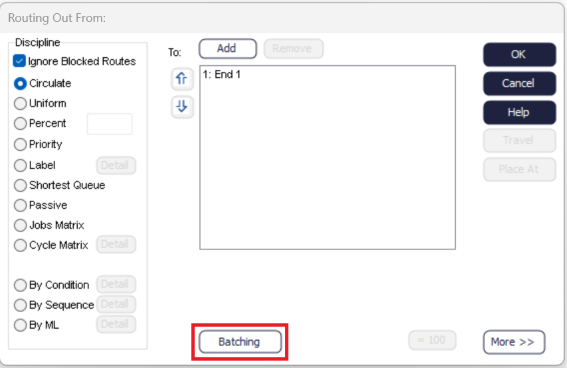
Choose whether you want to generate a log for all Resources in your simulation or Specify Resources and click on the Details button to select which Resources you want to include in the Transaction Log.
Include
If your simulation uses a Warm Up Period, you can include it in the Transaction Log. You can also include Labels - click on the Details tab to select which Label should be included.
Time Format
Choose between displaying the Transaction Log based on Simulation Time, the current time format of your device (Windows time), or both. If you choose Windows time on Simul8 Online, the US date format will be used (MM/DD/YYYY).
Transaction Log by Resource Results
- Go to Home > Results Manager > Transaction Log > By Resource > View
- Go to Home > Results Manager > Transaction Log > By Resource > Options > View Log
- Go to Data and Rules > Spreadsheets > Transaction Log By Resource
- Open the CSV file 'TransactionLogByResource.csv' generated automatically by Simul8 and found in your Documents > SIMUL8 folder. Please rename and save the file should you wish to use this with external tools.
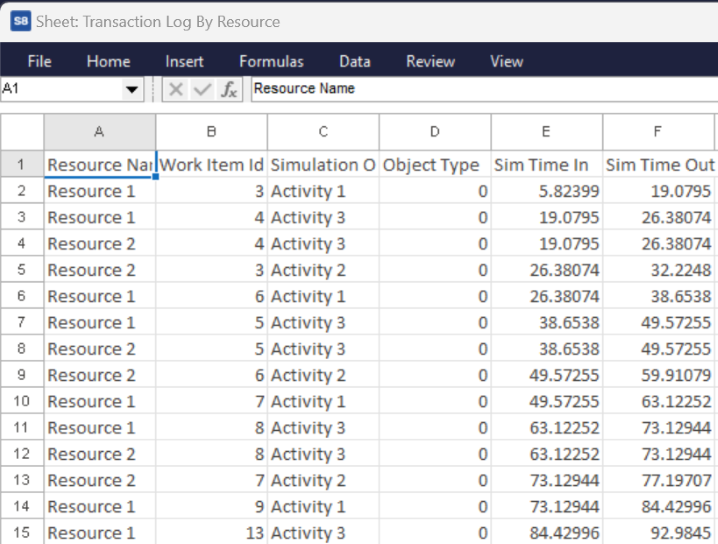
The Resource Log contains the Resource Name, Work Item ID, Simulation Object, Object Type, Time In, and Time Out and any Label values you have chosen to include. If you chose to run a Trial, an additional column referencing the Trial Run Number will also be included.
Note
In the Transaction Log By Resource, Object Type will always be 0 because the Resource is in use at an Activity.
Creating logs for large numbers of trial runs or simulation objects may increase the time it takes to process the log at the end of run. You can track this using the Progress Bar at the bottom left of the Simulation Window.
