Add and manage your dashboard data
Use Open
 to add files and other data sources to a dashboard. Use Data Connections
 to add shared
connections from Minitab Data Center and to view, refresh, edit, or remove the data sources in the dashboard.
to add shared
connections from Minitab Data Center and to view, refresh, edit, or remove the data sources in the dashboard.
Open dashboard and data sources
Select Open to open an existing dashboard or add a data source to the current dashboard. You can add up to 20 datasets to a dashboard. If a data source has the same name as a data source that is already in the dashboard, the dashboard appends a number to the name in the Data Connections pane so that each data source has a unique name.
Add shared connections
A shared connection lets you reuse prepared data by referencing a Minitab Data Center project (.mdcx) file. Add a shared connection when you want a dashboard to use data that is prepared and maintained in Minitab Data Center.
To learn more about MDCX files, go to Create and open Data Center projects.
- Open the Data Connections pane.
- Select Add Connection.
- Select the repository that contains the MDCX and then select the file.
- Select Open.
Manage dashboard data connections
- Shared connection
- Use when the data are shared from the Minitab Data Center. Select Edit Connection
 to edit the data in the Minitab Data Center.Storage location: A reference points to a shared MDCX file that is saved to the cloud.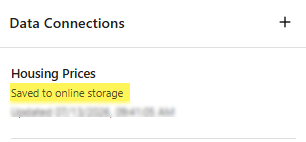
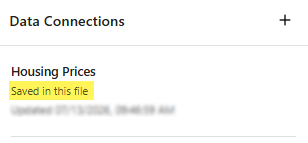
- Embedded connection
- Use when you open a non-MDCX file.Storage location: A copy is saved in the current dashboard project file (.mdbx).
Note
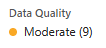
If your data have been flagged for potential data
quality issues, go to the Data Center to investigate.
Refresh Connection
Data connections do not update automatically when the source data or data prep steps change. Refresh the dashboard data when you want to use the latest data.
On the Data Connections pane, select Refresh Connection
 to
update the data. If you refresh a shared connection, the dashboard pulls the latest
data from the Minitab Data Center. If you refresh an embedded connection, browse to the file to update the
data.
to
update the data. If you refresh a shared connection, the dashboard pulls the latest
data from the Minitab Data Center. If you refresh an embedded connection, browse to the file to update the
data.
