Making Your Own Results
We collect a lot of results automatically for you in Simul8 but there might be some that are very particular to your process that we might not record. It's really easy in Simul8 to record in your own. You just need to create a data item (a variable) to record the values and add it to the KPI Summary.
As an example, let's say we wanted to record work in progress, here's how you would do it.
1. Creating Your Variable
Create your variable, WIP, in the Information Store, typically it's a number variable you want to create. We want to give it a sensible name as it's name will appear on the KPI summary.
2. Adding Your Variable to The KPI Summary
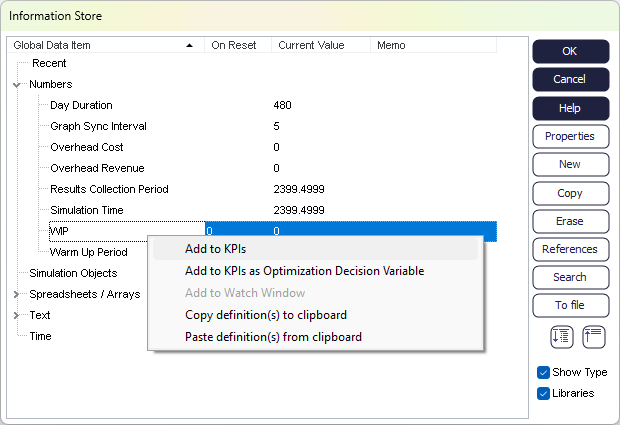
In the Information Store right click on your variable WIP and select Add to KPIs.
3. Writing Values to Your Variable
The easiest way to change the value of your variable is through Actions on a simulation object. Here you can tell Simul8 to increment, decrement or even set the value to an expression.
To record our work in progress we'd use Actions in the Start Point to increment our variable WIP by one each time a Work Item and arrives. Then we'd use Actions in all the objects that link into our End Point in our simulation to decrement our variable WIP by one.
If you find you need a bit more control over when your variable is updated you can also use Visual Logic.
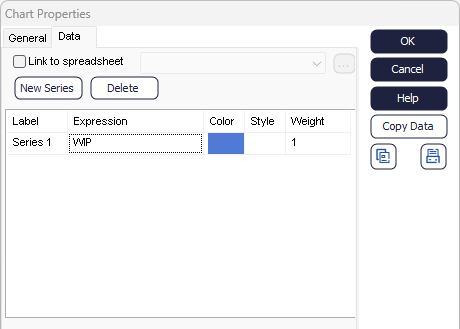
4. Displaying Your Variable In a Chart