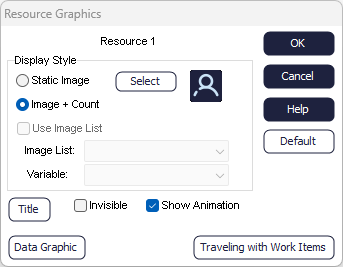
Resource Graphics
Use the Resource Graphics Dialog to configure the way each Resource is displayed.
Show
When checked, the following settings show:
- Static Image
- Show the image for the Resource.
- Title
- Show the name of the Resource. More on Object Titles
- Image and Count
- Show the number of this Resource currently available to work.
- Invisible
- Hide the Resource except when the Route Arrows are off.
- Show Animation
- Show the Resources moving between Activities.
- Data Graphic
- Show customized information beside the Resources. More on Data Graphics
- Image List
- Change the image for the Resource depending on a variable value. More on Image Lists
Default
Save the current display settings as the default display settings for all new Resources created
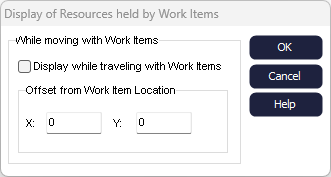
Traveling with Work Items
If Resources travel with Work
Items then you can choose to show their movement onscreen.