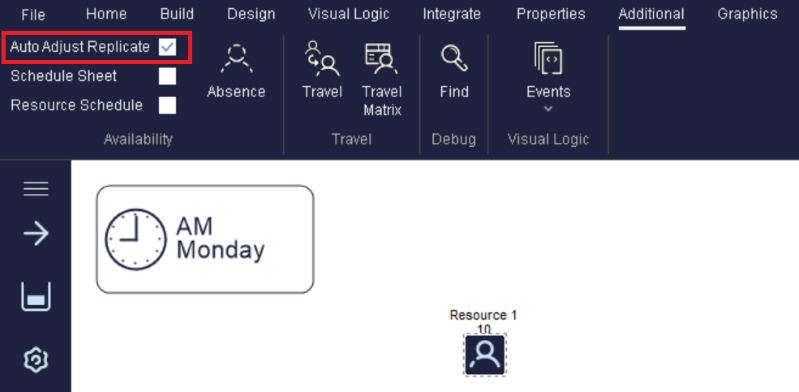
Replicate
Replicate allows an Activity to hold more than 1 Work Item at a time. This lets you quickly try alternative numbers of Activities that perform the same tasks without having to copy the Activity. The Activity starts working on each Work Item separately and the time taken to process each of them is the time set at the Timing Orientation of the Activity.
Note that using this facility prevents access to certain other Activity properties and results (e.g. Break downs, Collect Routing In, Multi-Task Timing, Cycle Matrix and Utilization results information).
You can simply copy Activities directly on the screen using the Duplication Wizard, and then group multiple copies of an Activity using Groups or Sub Processes. Replicate is a fast way to assess required capacity in a model by increasing an Activity's capacity without having to create more objects.
To use Replicate, click the 'Replicate' button in the Activity Properties dialog or in the Additional tab on the Ribbon. If this button is grayed out then it is not available (because you are already using one of the facilities at this Activity that cannot be validly simulated by using replicate).
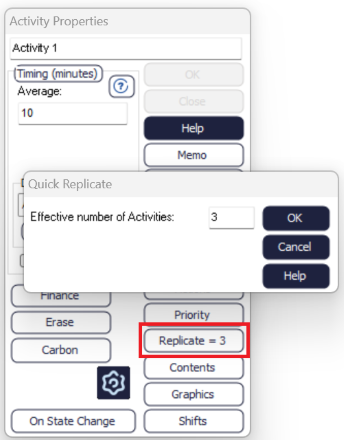
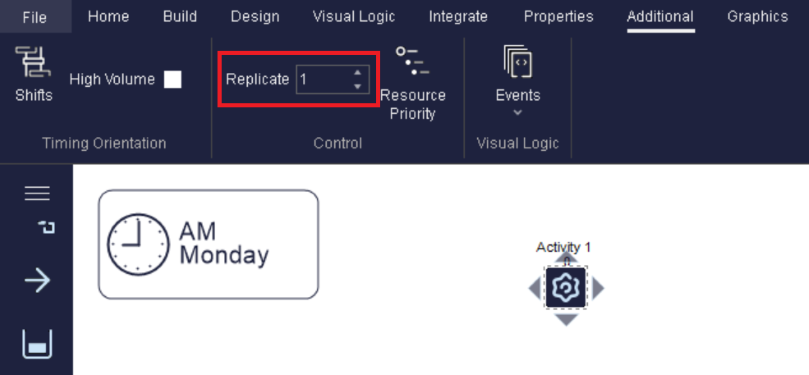
Example on using Replicate
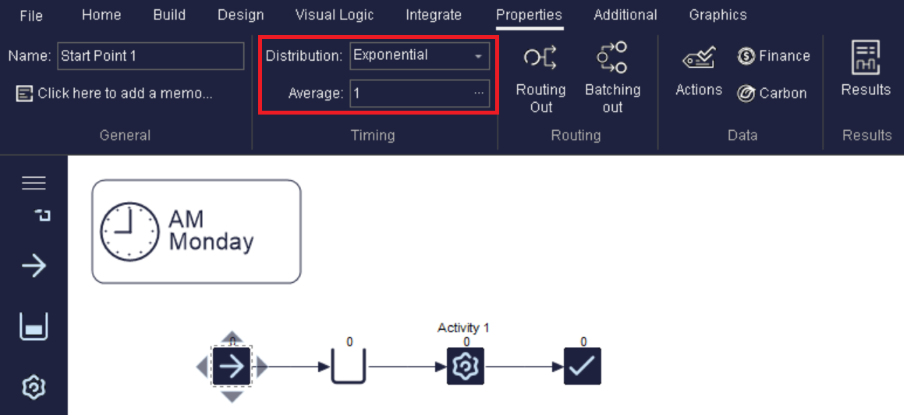
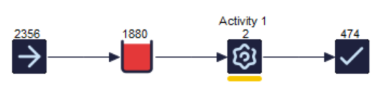
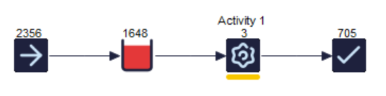
Auto Adjust Replicate Levels