Custom Views
Custom Views are ways of saving a one or more ways of setting up the visual display of a simulation. They automate the process of manipulating the screen to show certain aspects of your simulation.
Custom Views can be set up and saved, meaning that Subwindow can be opened in certain views and closed in others, the zoom can be altered, and the scroll bars moved as you move from view to view.
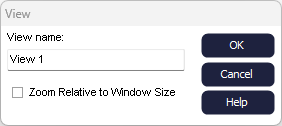
To switch between different saved Custom Views, click on the Switch dropdown button int eh Views section of the Home tab.
You can also use the shortcut keys (CTRL + view number) to change the view, this shortcut can be used to change the view while the simulation is running.
Views can be amended or changed by selecting a view and manipulating the screen as desired then clicking the save button again.
