Using External Files
In Simul8 Online you can use external files, such as Excel and CSV, in the same way as our desktop version.
Importing external files into Simul8 Online
- Simul8 Excel Connections
-
Alternatively, you can use Simul8's Visual Logic command of Get from EXCEL:
- Simul8 Get from EXCEL
-
It works in the same way as in Simul8's desktop version. However, note that any Excel (.xlsx) and Comma Delimited (.csv) files need to be uploaded into your My Projects section prior to running the Visual Logic command.
In your My Projects section, you can upload any Excel and CSV file in the External files section.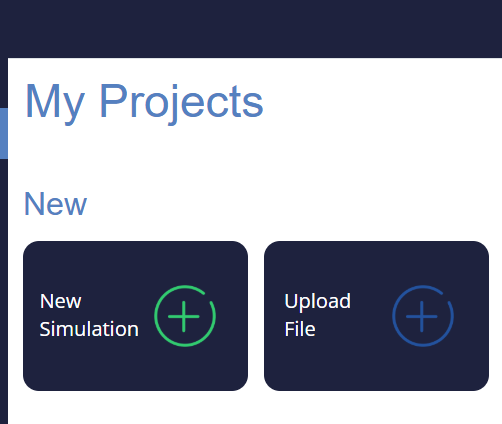
Exporting internal spreadsheets from Simul8 Online
- Simul8 Excel Connections
-
Alternatively, you can use Simul8's Visual Logic command Set in Excel:
- Simul8 Set in EXCEL
-
It works in the same way as in Simul8's desktop version. However, note that any Excel (.xlsx) and Comma Delimited (.csv) files need to be uploaded into your My Projects section prior to running the Visual Logic command.
In your My Projects section, you can upload any Excel and CSV file in the External files section.
