Simul8 Desktop Viewer
The Share Desktop Viewer enables you and the people you share simulations with to view the shared simulations on Desktop. The Share Desktop Viewer can be downloaded through the "My Account" tab of each user's online account. (My Account> Your Simul8 Software> Share, and click "Install").
Once installing, and launching the installer, users will be asked to sign into their Simul8 Online accounts to begin using the Share Desktop Viewer.
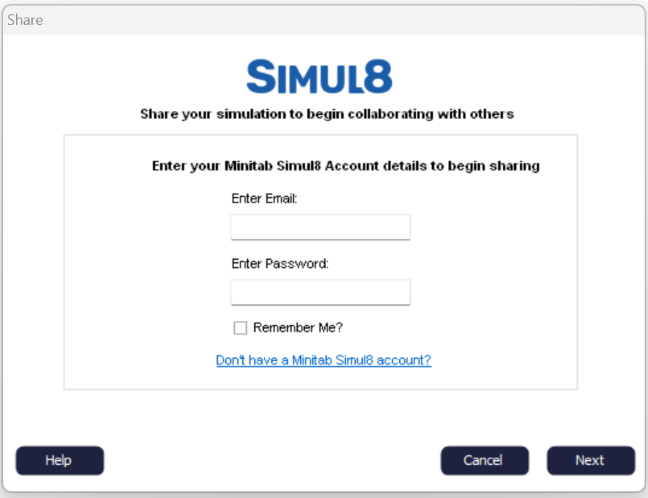
Once signed in, users can click the "Download Shared Simulations" button to download any simulations that have been shared with them.

Users can only view simulations which have been saved and shared within the last 7 days, or else they will get an expiry message.
If a user has already activated Share Desktop Viewer on one computer, they will be asked if they want to deactivate it on the old computer and request a new activation token.
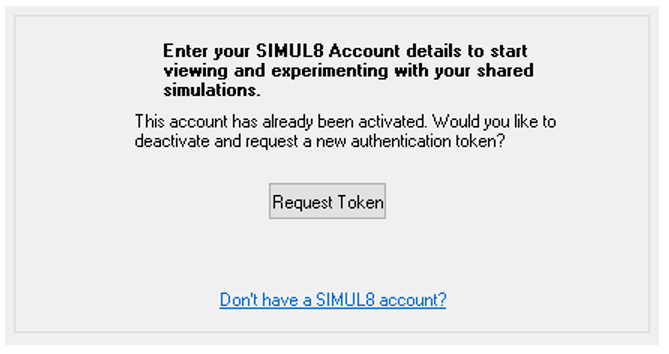
Users will be asked to login every 30-days so that we can make sure that their accounts are up to date.
