Online and Desktop
Simul8 Online and the desktop version are fully compatible and can be used together, see here for some common how to questions.
Simulations built in Simul8 Online can be modified and run on a desktop version and vice versa. That is, you can use both interchangeably. The only restriction is that both versions cannot be open at the same time. However, you can use Simul8 Online in non-build mode to run simulations whenever your desktop version is open.
Opening simulations from desktop version in Simul8 Online
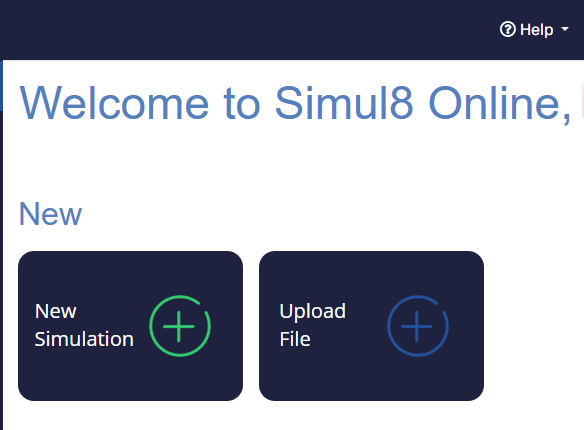
Similarly, you can go into My Projects first and upload any S8 file via the option .
Your S8 file is now available in Simul8 Online on the My Projects page. If you are currently working on a simulation, you can also (from within Simul8) go to to open any S8 file that is on your machine.
Opening simulations from Simul8 Online in desktop version
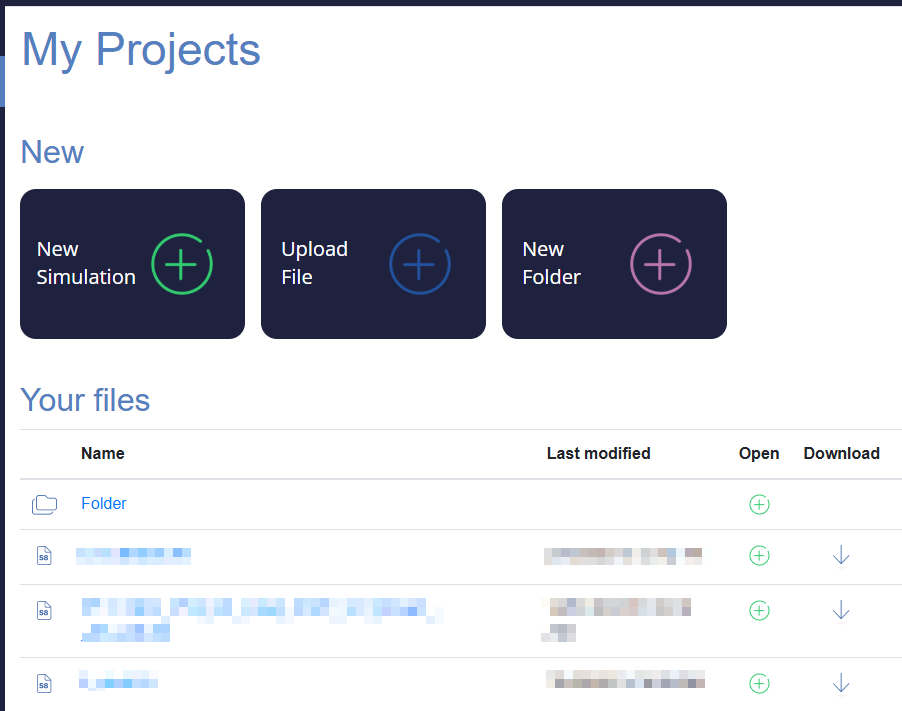
Opening Simul8 Online and desktop version at the same time
If you have your Simul8 desktop version open when logging into your Simul8 Online account, Simul8 Online will still open however it does so in non-build mode. This means you can only run simulations, not modify or build them. Once you close your desktop version, Simul8 Online will update to be its usual mode in which you can modify and build simulations.
If your Simul8 Online is open before you open your Simul8 desktop version, Simul8 Online will enter its non-build mode again. For that, Simul8 Online will save, close and re-open your account.
