Path Densities

Path Densities allow the Routing Arrows of a simulation to change based upon the number of Work Items that travel along each route.
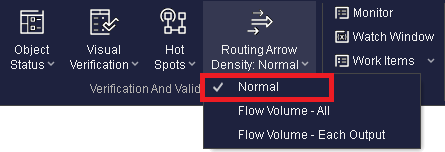
There are three options available to the user. These options are:
1. Normal
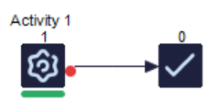
2. Flow Volume All
The thickness of the routing arrows will change to indicate the routes have the greatest amount of Work Items flowing through them. As Work Items flow from a Start Point to an End Point the thickness of the arrows will decrease.
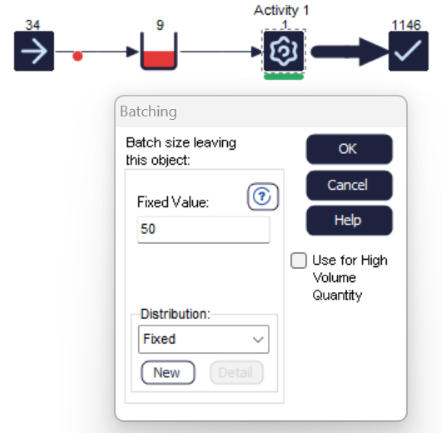
3. Flow Volume Each Output
The thickness of the arrows will vary at each simulation Object, based upon the number of items flowing in and the number flowing out. If, for example, an Activity has two routes out with 66% and 33% then the 66% route will have a larger thickness of routing arrow.
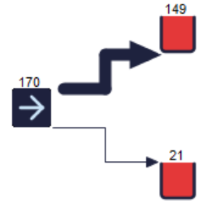

Once the Path Density option has been selected, the thickness of the Routing arrows will update at the end of the simulation run, but also when the simulation is paused.
