Export to PDF
With Simul8, you can save different simulation model views, the KPI Summary, and Custom Reports to PDF Format.
Saving your Model as a PDF
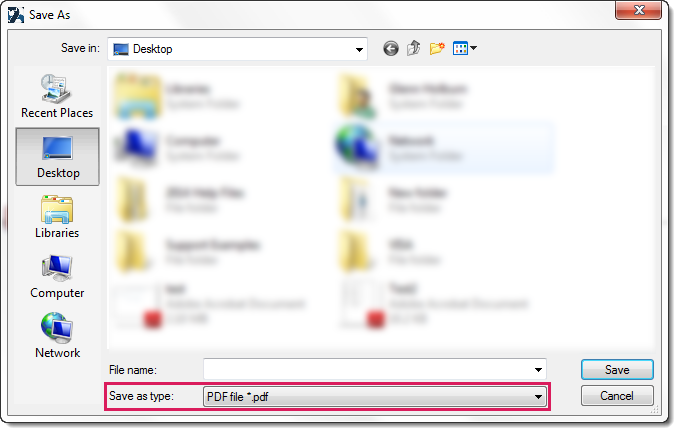
You can now save your model as PDF so that you may quickly attach a proposed idea, layout, or structure to a report, without having to use screenshots and image editing software.
Exporting KPIs as a PDF
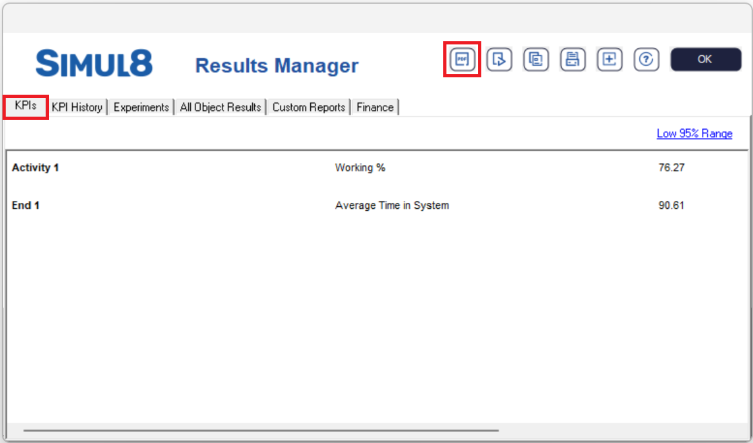
To export your KPIs, first navigate to the home and select the Results Manager; here, you will see the KPI's tab.
If you want to add additional KPIs to this report, then please read Add Result.
If you want to remove KPIs from this report, then please read Remove Result.
Exporting Custom Reports as a PDF
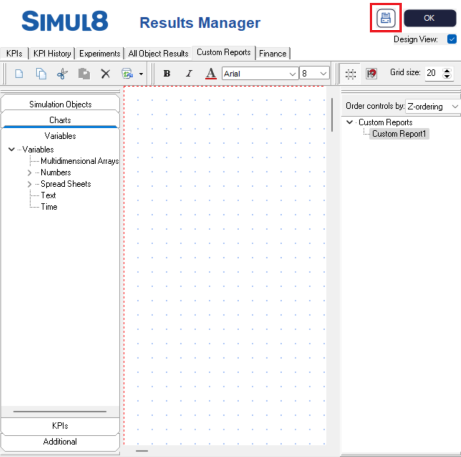
First, navigate to Custom Reports by going to the home and selecting the Results Manager. Select the Custom Reports Tab from the top of the Results Manager window.
- Select the Print icon in the top right of the Custom
Reports Window.
- In the Print Preview dialog, select More
Options.
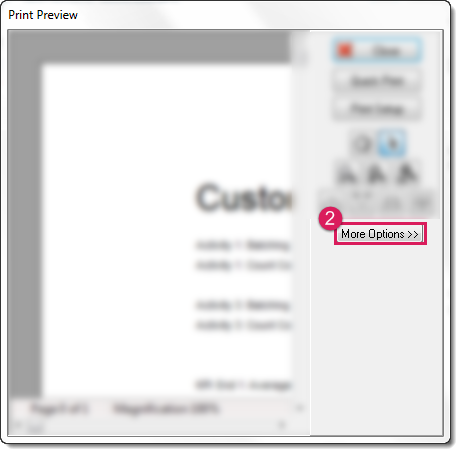
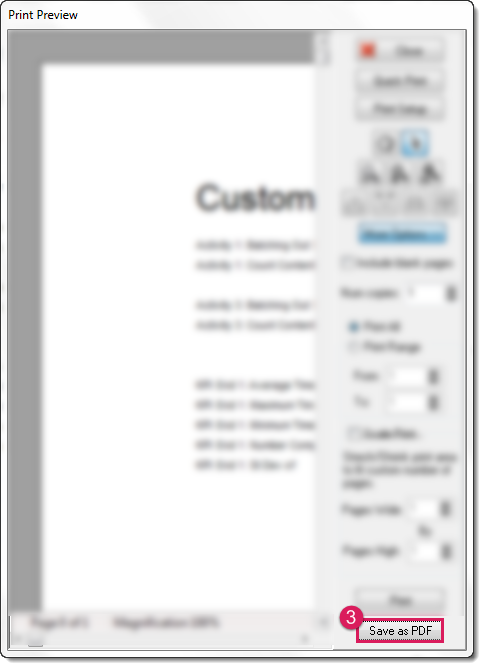
- This will expand the dialog. Now select Save as PDF
to save your Custom Report.