View Tools
The view tools highlights in red below let you control how you see your simulation.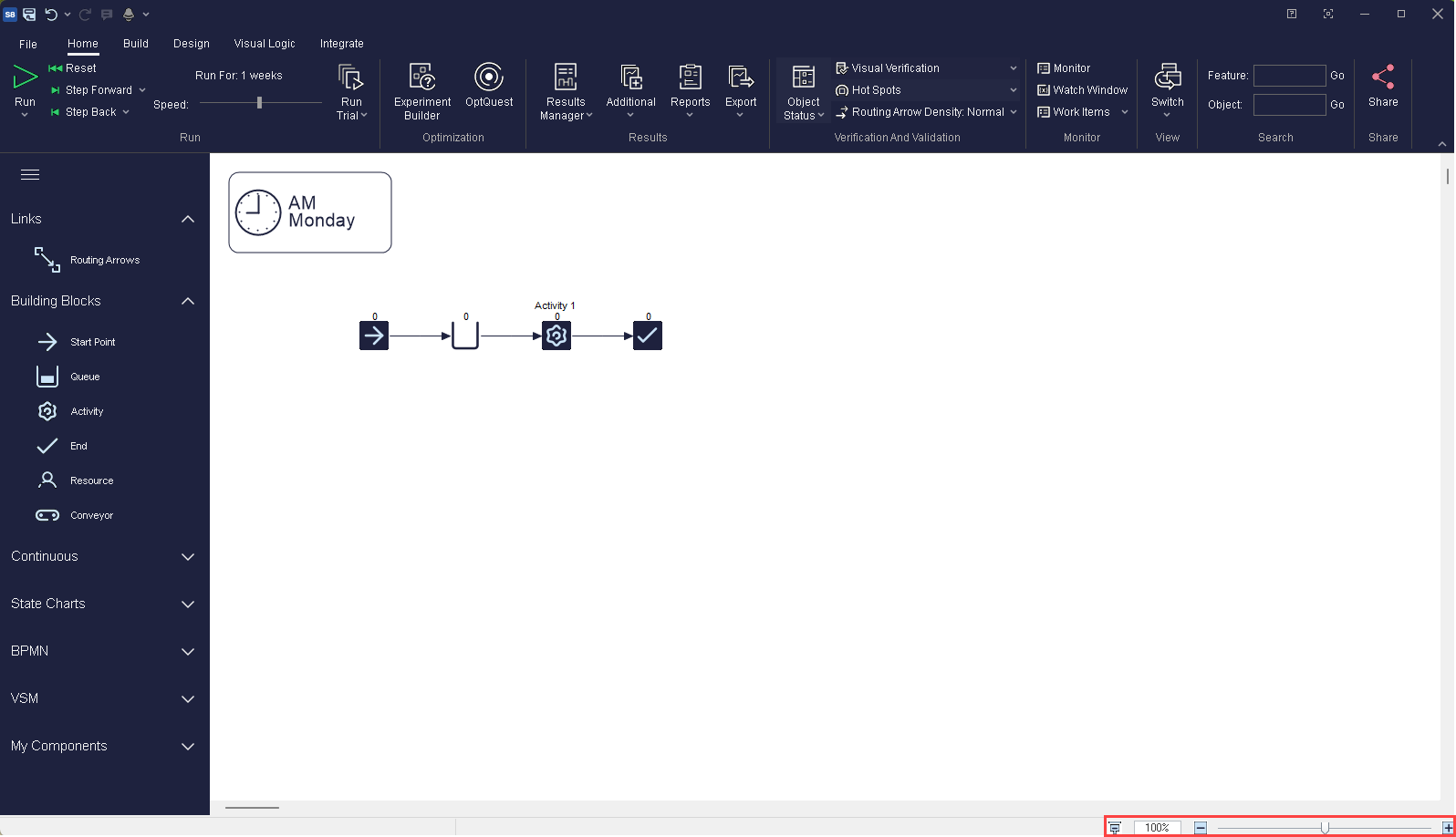
From left to right the buttons are:
 Presentation Mode
- Display your simulation in full-screen mode without all of the toolbars. More information
 100%
100%- Reset your simulation back to 100% zoom level.
 Zoom
Zoom- Zoom in and out the display of your simulation.
