Background Image

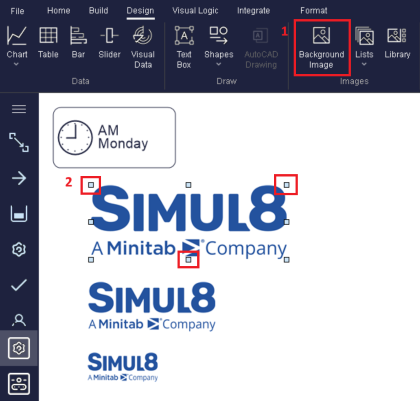
To insert a background image click the Background Image button from the Design tab.
Then click on the screen at the point the top left corner of the image is to appear. A window will pop up to allow you to select a file from disk.
The image may be moved by clicking on the margin of the image -- normally the top left corner is easier to locate when the image has invisible colors.
Image Resizing
You can re-size a background image from within Simul8.
- First insert a background image as detailed above from the Design tab.
- Once you have placed a background image on the screen, simply select the image and then use any of the 8 anchor points to drag and scale the image.
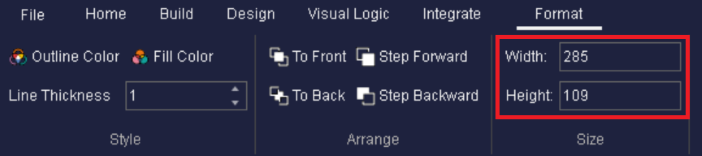
Additionally, if the background image is selected, you can edit the size by manually entering pixel values for the height and width on the Format tab.