Travel Time Matrix
The Interface
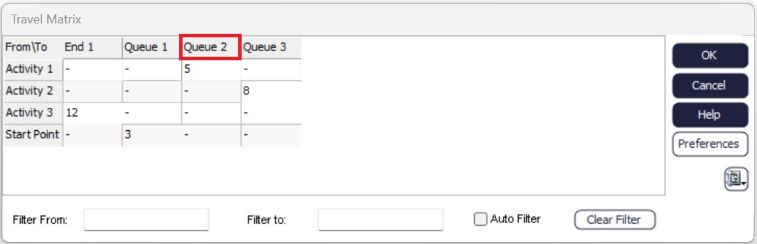
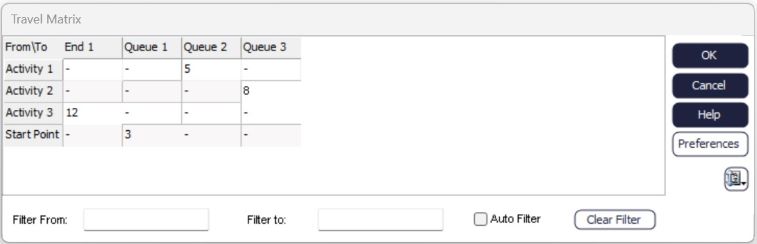
Main Window: By default, all connections are shown in the matrix. Any cell with a value in it represents time associated with travel times from the object on the vertical axis, the object on the horizontal axis. Any cell with populated with a '-' represents there is no travel time associated with that connection.
Preferences: Use this button to open your distance preferences for your simulation model. You need to ensure that you have removed automatic travel times, so that when you use the Travel Time Matrix your values are saved.
Filter From: Enter an object name in here to show all relevant connections to the object. This will filter the vertical objects in the menu, allowing you to quickly see the connections for a specific object or set of objects.
Filter To: Enter an object name in here to show relevant connections for objects on the horizontal axis. This will allow you to quickly specify the travel times for times to an object.
Auto Filter: This option allows you to see all objects at a glance, as well as filter objects by selecting them from the interface itself.
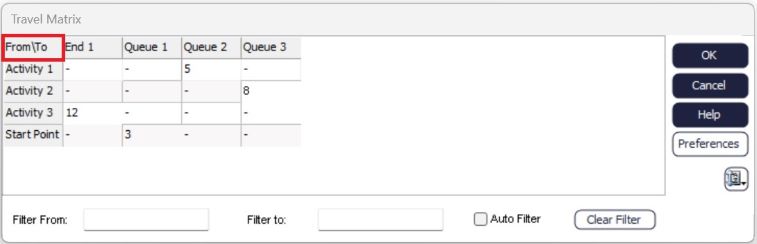
Select an object from the From(Vertical) axis to filter all connections that are made from that object.
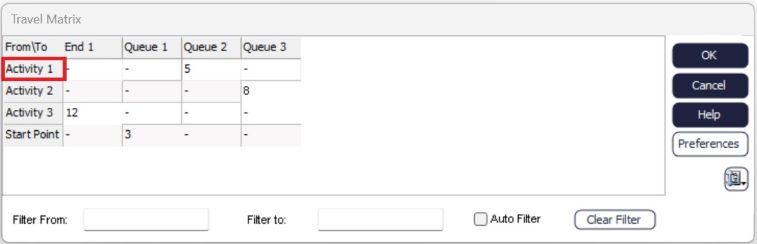
Select an object from the To(Horitzontal) axis to filter all connections made to that object.