Brainstorm ideas
Choose your brainstorm tool
 page
and select Brainstorm. All brainstorming tools encourage creative thinking for identifying new ideas
and solving problems. The Minitab Brainstorm tool offers several different ways to
organize your ideas.
page
and select Brainstorm. All brainstorming tools encourage creative thinking for identifying new ideas
and solving problems. The Minitab Brainstorm tool offers several different ways to
organize your ideas. - Fishbone (Cause and Effect)
- Man Machine Materials
- CTQ Tree
- Mind Map
- Idea Map
- 4S
- 8P
You can also use Brainstorm AI to create an editable brainstorm diagram from images, text descriptions, or both. For example, upload a paper sketch, whiteboard photo, flipchart note, defect image, or screenshot, or enter meeting notes, observations, transcripts, or a defect description.
Generate a brainstorm list
In a fishbone, an idea map, CT tree, or mind map, you can quickly generate a brainstorm list by typing items in the task pane, or by importing variables from other tools in your project.
Important
AI technology may make mistakes. It is the user’s responsibility to ensure the output is accurate, appropriate, and meets your organization’s standards and requirements. For more information, see the Minitab Trust Center.
Use AI to generate affinities for an idea map
In this example, a quality improvement team would like to brainstorm ideas to increase the proportion of online claim requests. Currently, claims are accepted over the phone and online and it is faster and more accurate to submit online claim requests. The team decides to quickly generate brainstorm ideas using Minitab AI.
- Go to the Minitab Solution Center
Home
 page.
page. - Select Brainstorm and then select Idea Map.

- Select the drop down at the top of the page and enter Insurance Fraud idea map in File Name.
- In Central Question, replace the text with How can we increase the use of online claim forms?
- Select the central question of the idea map to access the context menu.
Then open AI Options.
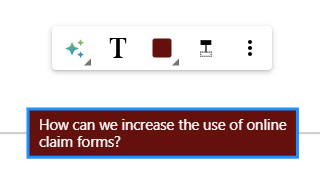
- Select AI Custom Prompt and enter the question you want to generate ideas for. For example, How can we increase the use of online claim forms?
- Select Generate.
- Review the results, then drag the new nodes to arrange the diagram as needed. You can rename nodes or add and delete nodes to customize your idea map.
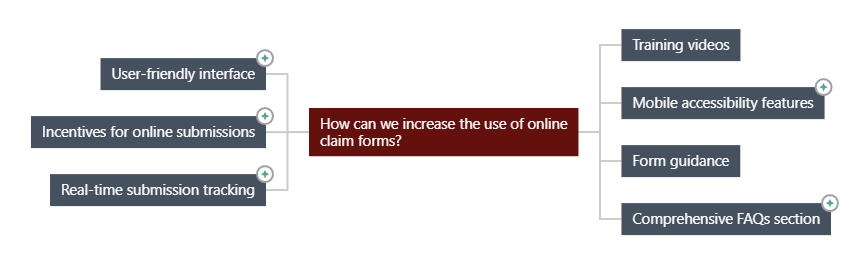
All nodes that were generated by Minitab AI have a symbol on them. Nodes that were added or modified by the user do not have the symbol.
Use AI to generate ideas for each affinity
In this example, we use AI to generate ideas for each affinity.
- Select each node (affinity) to add ideas to. Then open AI Options.
- Select AI Quick Generate.
- Review the results, then drag the new nodes to arrange the diagram as needed. You can rename nodes or add and delete nodes to customize your idea map.
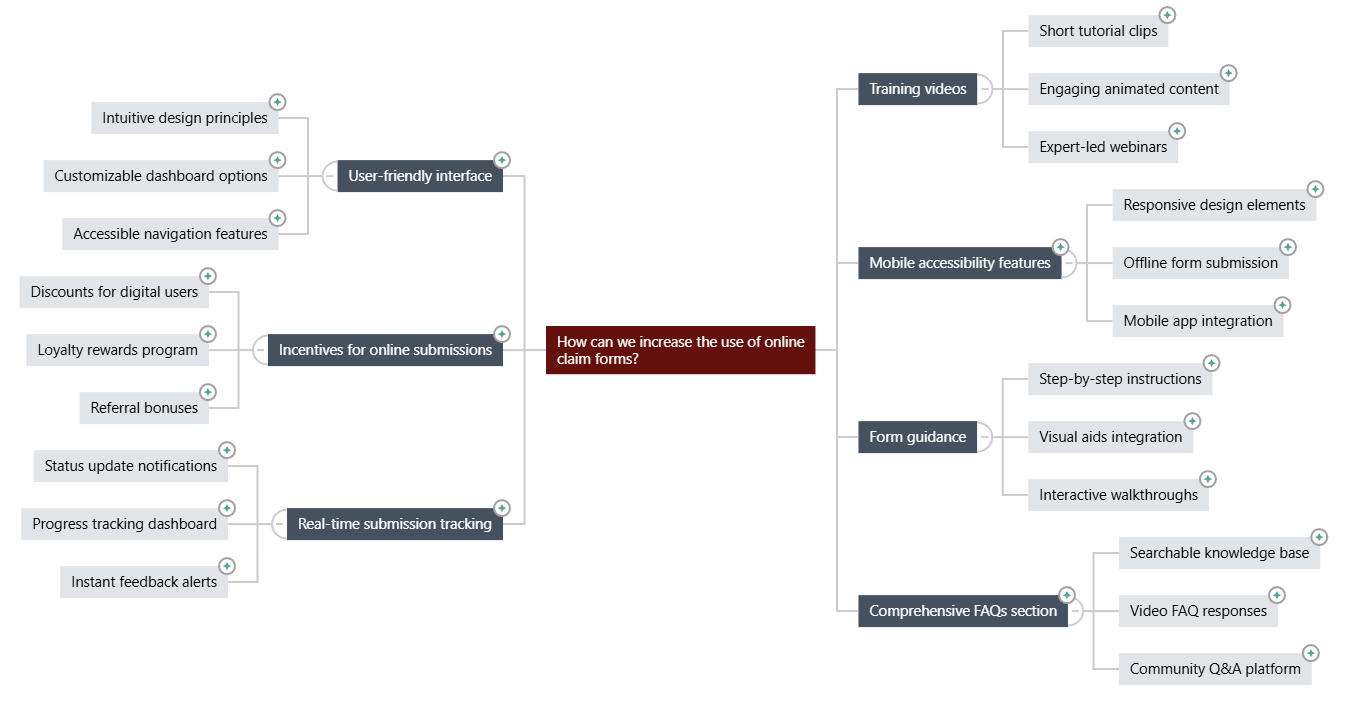
Customize the appearance of your brainstorm
- Open the Idea Map options on the right side of the canvas.
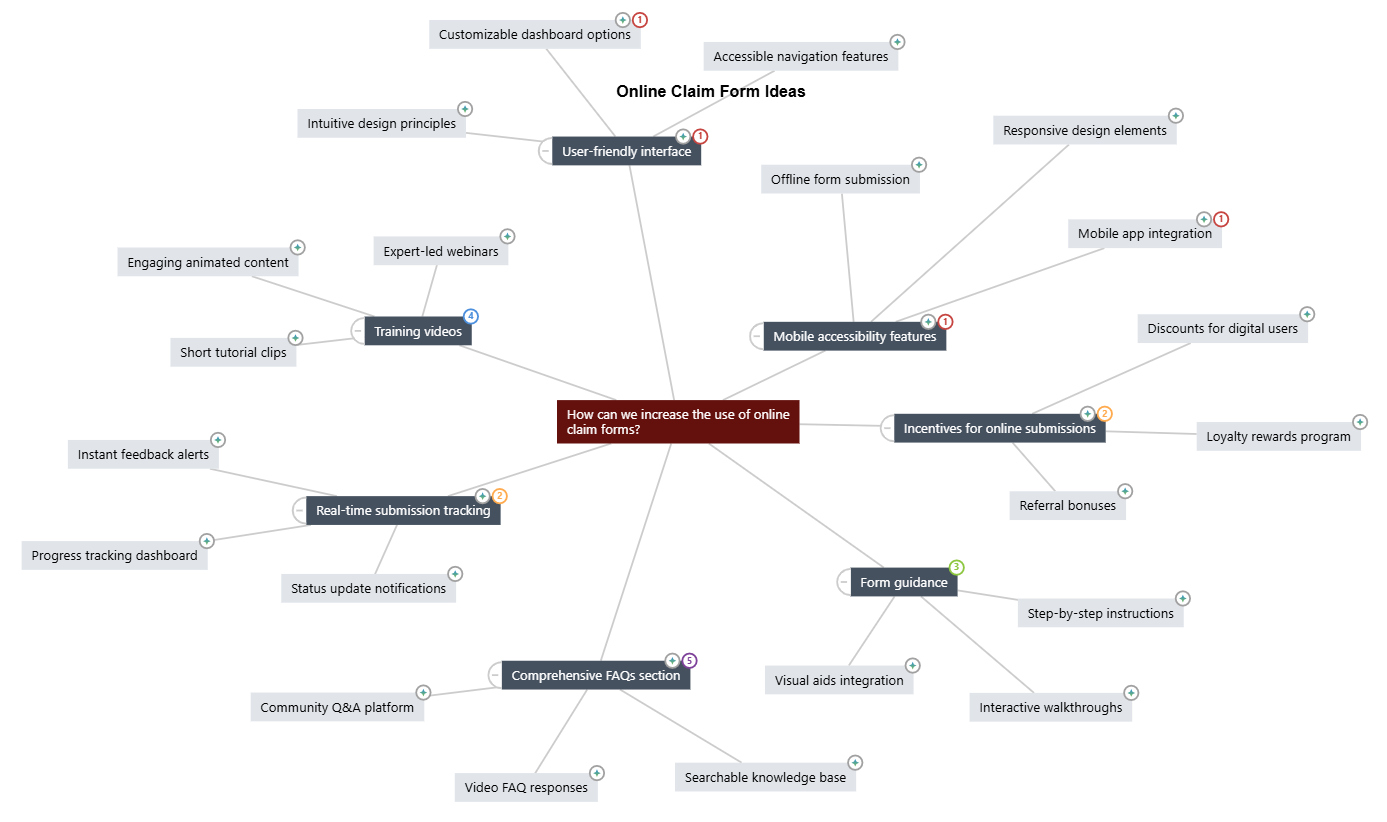
- Select Title and enter a title such as Online Claim Form Ideas.
- Brainstorm, change the type to Mind Map.
- In Density, select Compact.
- Right-click a node and select Priority to assign priorities to various affinities and ideas.