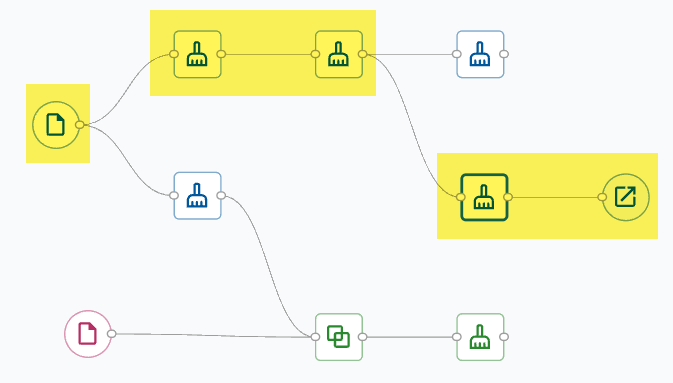
Select any node that you want to use as the terminal node of the pipeline and select
Set Output.
Only cleaned data from the highlighted path will be sent to another
application.
Example
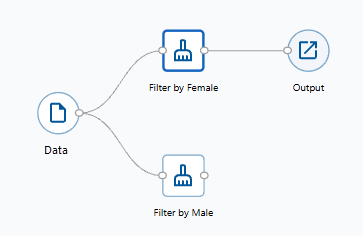
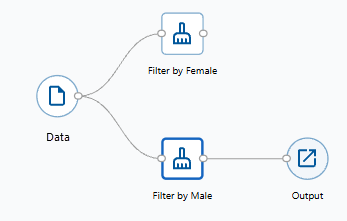
A simple example shows a data source with two cleanup nodes.
The top pathway has data filtered for Gender = Female. The Output node will open only the data from that part of the pipeline.
The bottom pathway has data filtered for Gender = Male. The Output node will open only the data from that part of the pipeline.
Open cleaned data in other applications
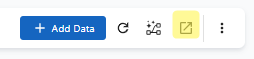
Select the Output node or select Open In from the toolbar to send a copy of the cleaned data to a new or existing Minitab
project or Minitab Dashboard.